Check One, Two: The Ten Minutes That Decide Whether Your Speaker Night Lands
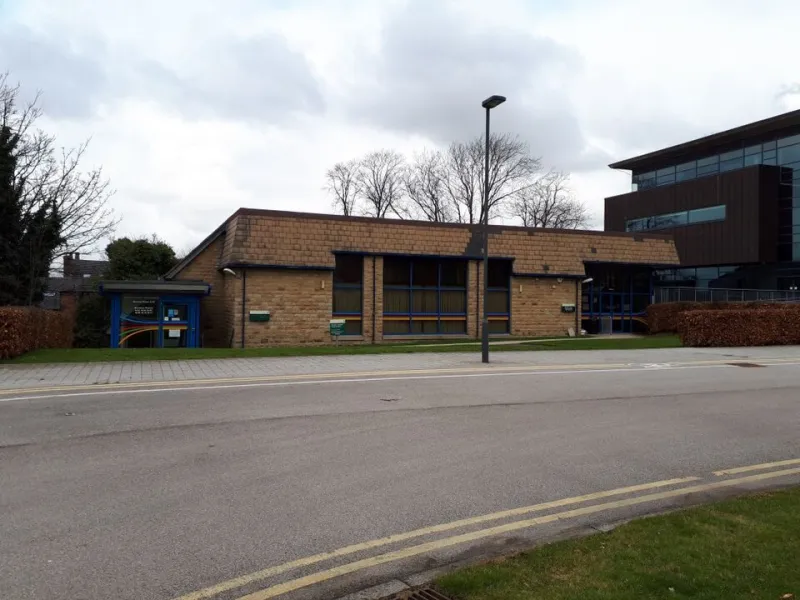
Photo: Stephen Craven, CC BY-SA 2.0, via Wikimedia Commons
It's 18:47 on a Tuesday in November. The room is two-thirds full, the speaker is balanced on a chair fiddling with a laptop, and the committee member at the back is mouthing "is it on?" at nobody in particular. Somewhere between the lectern and the back row, the evening has quietly stopped working.
Here's the thing about a speaker night: nobody remembers the slides. They remember whether they could hear. And unlike the speaker's charisma, the room's temperature or whether the panel overruns by twenty minutes, audio is squarely within your control. It is the cheapest win in the society playbook — and it's the one most committees skip, because it happens in the exact ten minutes when everybody is panicking about chairs.
The ten minutes everyone spends doing the wrong thing
Most committees arrive forty minutes early and spend thirty-five of them rearranging furniture. Then, as the doors are about to open, somebody remembers the microphone. What follows is a frantic hunt for a battery, a hasty "testing, testing" into a lectern that isn't switched on, and a collective shrug.
Do it in reverse. Set the room first, then stop. At T-minus fifteen, everything physical is finished — chairs, signage, water glasses, the sign-in sheet. At T-minus ten, one person does nothing but the tech. Not the president. Not the person charming the speaker in the corridor. One named person, phone in pocket, no other job, who will not be pulled into a conversation about whether we have enough name badges.
The drawstring bag that outlives your committee
Every society should own one bag that lives with the treasurer and gets handed over like a relay baton. Ours contains: a USB-C to HDMI adapter, a Mini DisplayPort to HDMI adapter, an HDMI coupler, one spare HDMI cable, a 3.5mm aux lead, four AA batteries, a roll of gaffer tape, and a printed one-pager with the porters' desk number and the AV helpdesk extension.
That's it. It costs less than a round of drinks and it has rescued more events than any speaker you've ever booked. Add a label with the society's name and the current committee's phone number, because bags get left in lecture theatres and the return rate depends entirely on someone feeling guilty.
Check one: the voice
Switch the mic on before you do anything else. Not when the speaker arrives — now. Walk to the lectern, press the button, and say something dull and repetitive into it. "Testing, one, two, testing."
Then the important part: walk to the back wall and listen. Not the middle of the room. The back wall, ideally with a couple of people talking near the door, because that's the condition the room will actually be in. If you can't hear yourself at normal speaking volume, the mic needs to come up — or the speaker needs to be told, kindly and firmly, to use it.
Speakers resist microphones. They think they project. They do not project past row eight. If your guest won't wear a lapel, hand them the handheld and ask them to hold it at chin height. Not chest height — chin. Chest height turns every sentence into a muffled rumble, and by the Q&A you'll be watching the back row check their phones.
Check two: the picture
Them: "My laptop doesn't have an HDMI port." You: "I know." That's why the adapter bag exists. But do the plug-in test yourself, with the speaker's actual machine, not your own — and at least twenty minutes before doors, because occasionally a laptop simply refuses to talk to a lectern and you need time to email the slides across instead.
While you're there, check the aspect ratio. A 4:3 deck on a 16:9 screen leaves two grey bars and a slightly deflated-looking speaker. Check the resolution if the text is tiny — anything under 18pt on a slide is unreadable from the back of a theatre, and no, you cannot fix that at 19:00. Check the clicker works from the far corner of the stage, because some of them only work within about four metres and your speaker will wander.
For the bigger rooms — the Old Theatre with its fixed lectern and touchscreen, the Sheikh Zayed with its proper AV desk, the Hong Kong Theatre in Clement House — there's an in-house PC as backup. Know how to switch the projector source before you need to. If lecture capture is running, that red light matters: ask AV to confirm the recording has actually started, because a brilliant talk nobody can rewatch is a small, specific tragedy.
Check three: the room itself
Stand still and listen to the room with nobody talking. Can you hear the air conditioning? The projector fan? The corridor door that doesn't quite latch? Ask the porters for a wedge if the door bangs, and ask AV to drop the HVAC if it's roaring. Room hum is the reason your speaker sounds like they're presenting from inside a fridge.
Then check the things you'd want if you were the one who'd come alone and didn't know anybody. Is there a hearing loop, and have you mentioned it in the intro? Is the front row far enough back that the speaker isn't looming? Is there a clear route to the door for anyone who needs to leave quietly? These aren't frills. They're the difference between a room people trust and a room people tolerate.
Check four: the people not in the room
If you're streaming or hybrid, test the link from the room, not from your bedroom half an hour earlier. Joining from the actual space tells you what the microphone picks up, what the camera frames, and whether the Wi-Fi holds with sixty people in it. Write the guest Wi-Fi name on the slide or the sign-in sheet. Have somebody on chat duty, because a hybrid audience with no one answering is just a livestream with extra steps.
Say the words "tech buddy" out loud
At the committee meeting before the event, say it: "Who's on tech?" Get a name. Get a second name in case the first one is ill. Put both on the run sheet. The tech buddy's job is to arrive early, do the four checks, sit at the back, and be the person who can raise a hand at the speaker or slip a note to the chair if the volume drops. It sounds unglamorous. It is the most valuable role in the room, and it takes ten minutes.
The five-minute version
If you take nothing else from this, take the sequence:
- Mic on, back-row test. Walk to the wall, listen, adjust. Two minutes.
- Speaker's laptop plugged in, slides up, aspect ratio checked. Two minutes.
- Clicker tested from the far corner. Thirty seconds.
- Room hum and door wedge sorted, hearing loop mentioned. Thirty seconds.
- Hybrid link live and chat covered. One minute.
- Tech buddy named, seated at the back, phone on silent but in hand. The rest of the evening.
The bit nobody claps for
A good AV check is invisible. If it works, no one will ever mention it — they'll talk about the speaker, the argument, the bit in the Q&A where someone asked the question everyone was thinking. That's the reward. The event lands because the room got out of the way.
So the next time you're in a lecture theatre at 18:40, with a laptop that won't talk to a projector and a speaker saying "it's probably fine", remember: it is not probably fine. Check one, two. Then open the doors.